
Quick Answer
A useful smart-lock range starts with the market and sales channel, then narrows the options through door conditions, required access methods and a clear portfolio role.
Choose the smallest practical group of models and configurations that can be explained, installed and supported in the intended market.
- Target market and sales channel
- Door and installation context
- Required access methods and platform direction
- A focused initial product range
What to confirm nextPrepare the target market, sales channel, door photographs and dimensions, required access methods and expected product level.
1. Start with Four Decisions
Before comparing models, define the commercial and installation context. This removes unsuitable options before samples and quotations become the main focus.
Target Market
Country, local door types, customer expectations and realistic price level.
Sales Channel
Distribution, retail, e-commerce, private label or residential projects.
Target User
Homeowners, landlords, project operators, installers or professional resellers.
Local Support
Who will install the lock, explain the functions and handle after-sales questions?
A distributor may need several clearly separated price levels. A retailer may place more weight on appearance and demonstration value. A private-label brand also needs consistent packaging, documentation and product identification. A project team normally requires tighter control over door compatibility and installation.
2. Confirm Door Compatibility
A front-view product image is not enough to confirm whether a smart lock fits a door. The mortise, available installation space and existing door preparation can be more important than the visible functions.
Clear front, rear and side photographs are useful. Measurements, mortise photographs and technical drawings make the evaluation more accurate.
For projects involving several door types, each door condition should be reviewed separately. A model that fits one sample door should not automatically be assumed to fit every door in the project.
Confirm Access Methods and Platform Direction
Confirm the access methods, App or platform arrangement and account workflow required for the selected configuration before comparing samples.
Compare the questions distributors should verify when evaluating Tuya and TTLock configurations.
3. Build a Focused Product Range
A practical product range does not need to include every available model. Each model should have a clear role and avoid unnecessary overlap with the others.
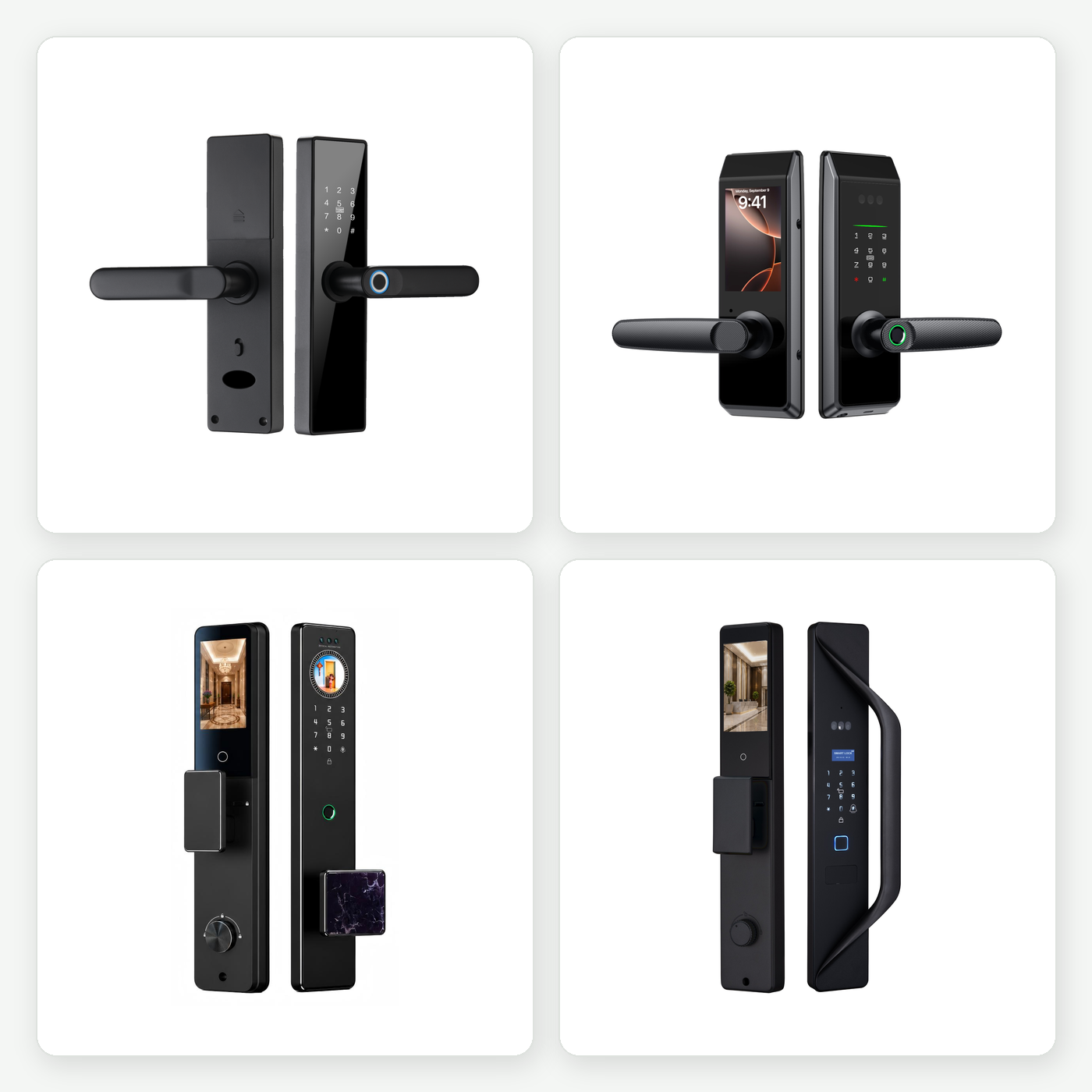
Value-Focused Residential
A practical starting point for price-sensitive residential opportunities and entry-level product ranges.
View SL-Q4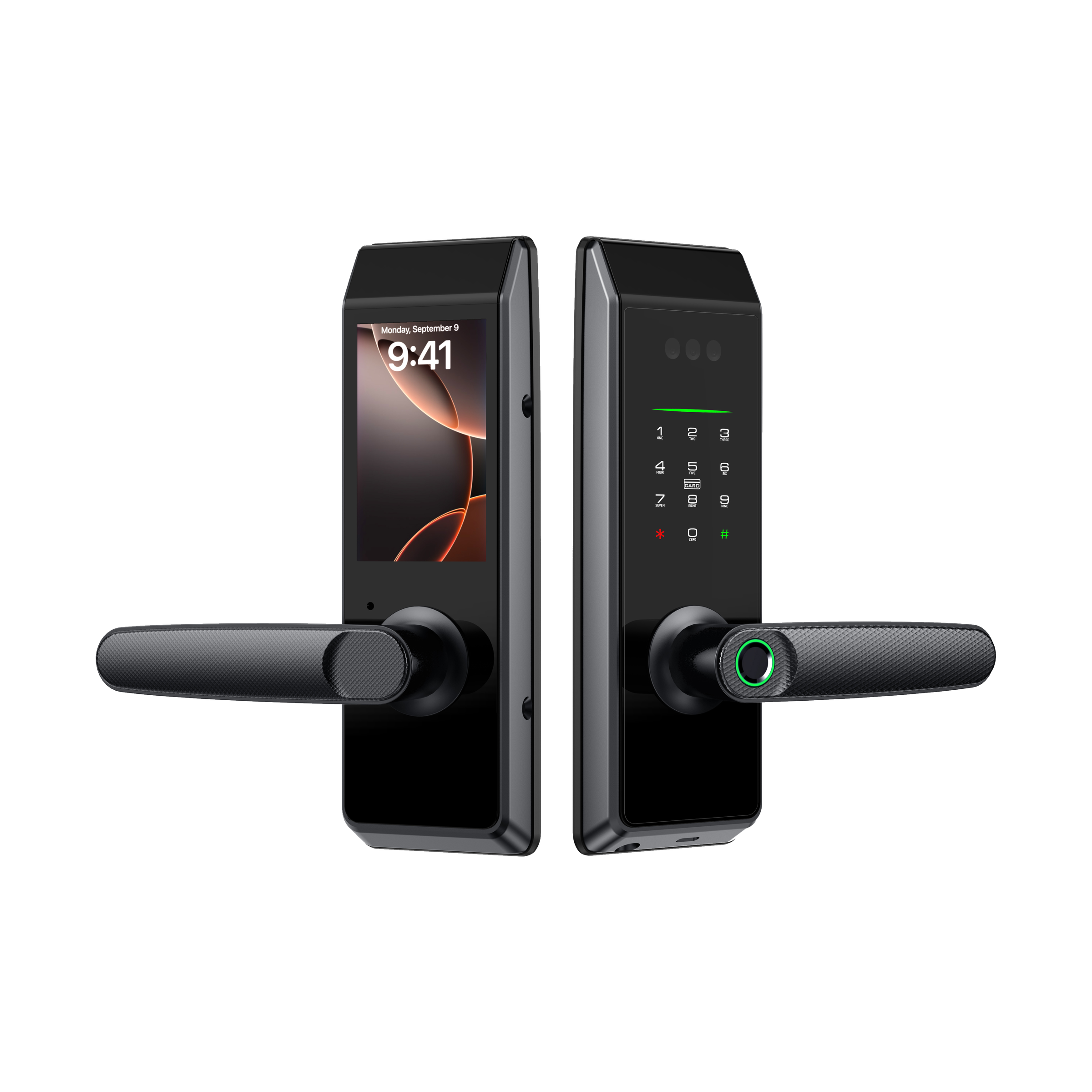
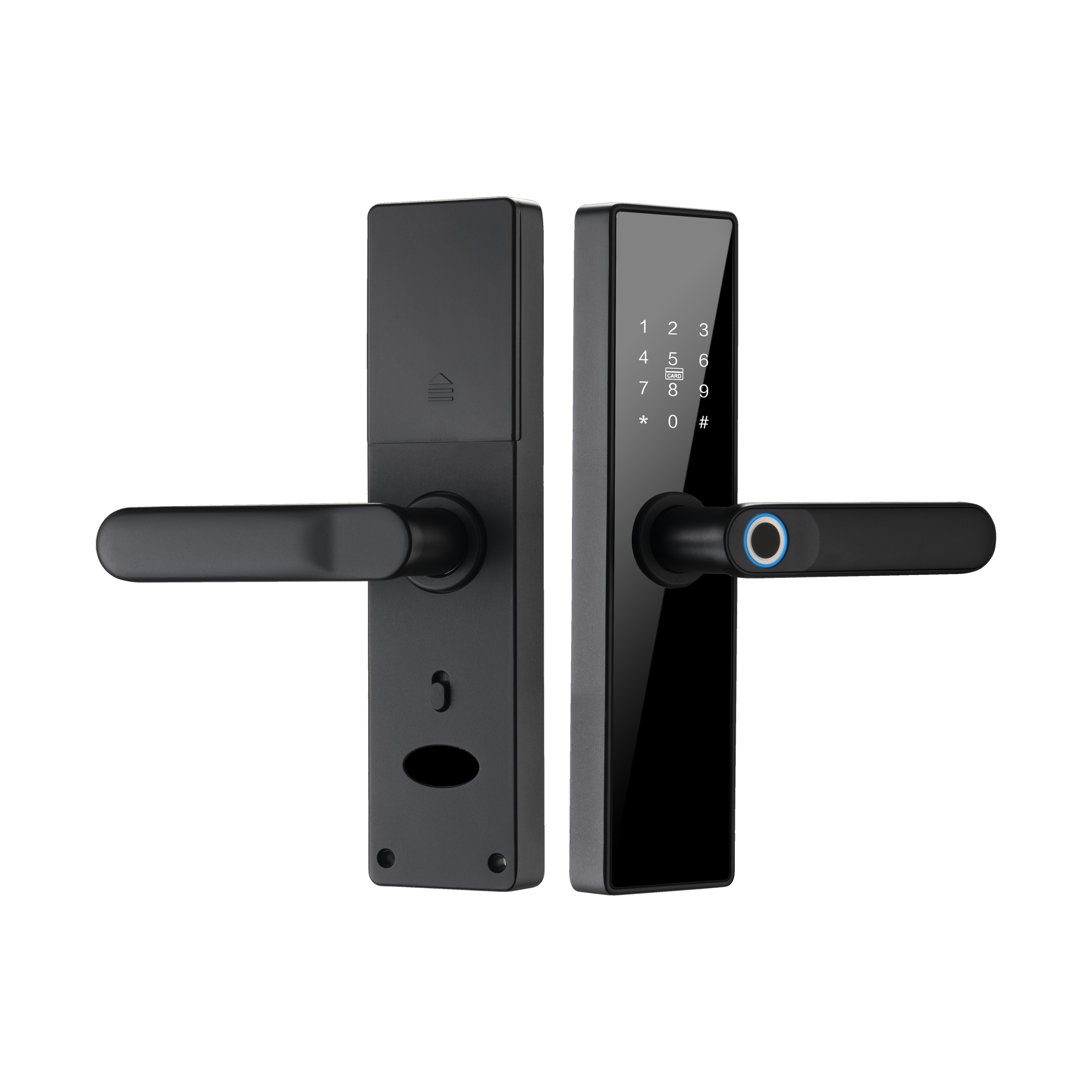
Compact Mainstream
A more compact residential option where size, appearance and balanced positioning matter.
View SL-W7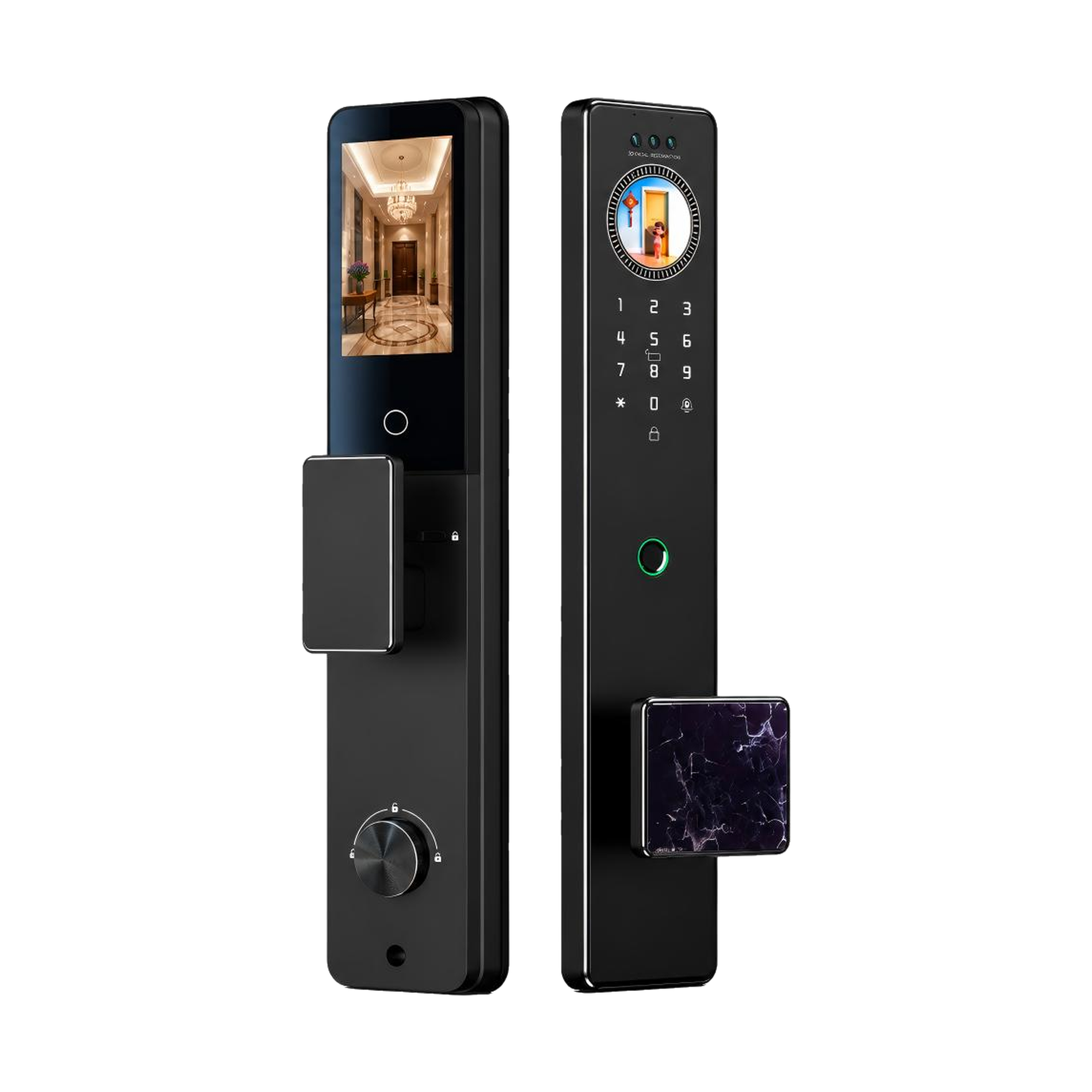
Design-Led Residential
A visually differentiated option for buyers building a more design-focused residential offer.
View SL-A40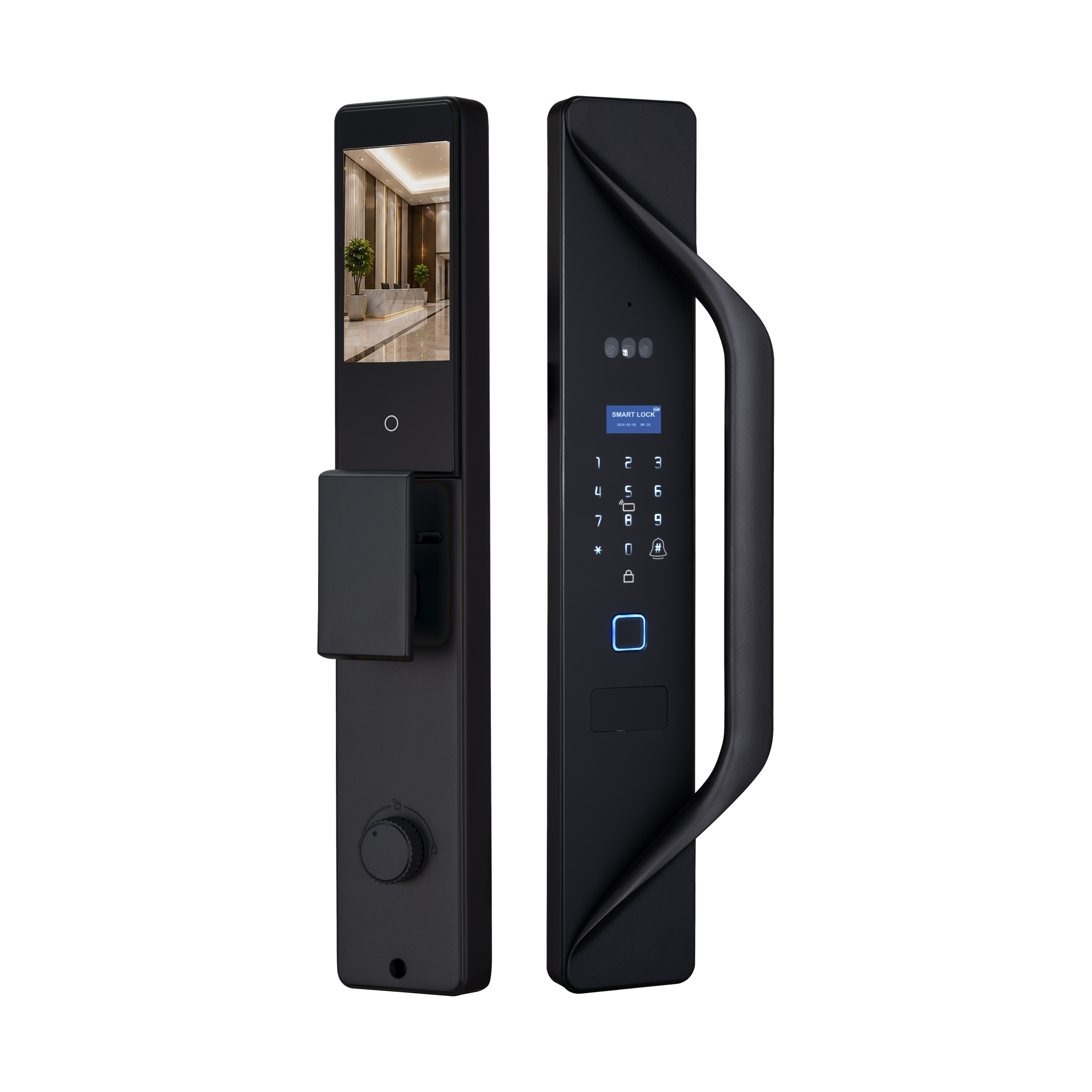
Premium Presentation
A stronger visual and feature-led direction for brands, apartments and professional distribution.
View SL-XM16These examples show different product roles. Final selection still depends on the door, configuration and local market requirements.
How SUPTER Supports This Review
SUPTER reviews the market, channel, door information and required configuration to help narrow a practical product direction.
To narrow the product direction efficiently, prepare the following information:
- Target country or region
- Sales channel and intended customer
- Target product or retail position
- Door photographs and door thickness
Final selection still depends on the approved configuration, actual door and local project requirements.
Frequently Asked Questions
What information should I prepare before asking for a smart lock recommendation?
Prepare the target market, sales channel, door photographs, door thickness, opening direction, existing mortise information, required access methods and expected product level.
Should I choose the smart lock with the most functions?
Not necessarily. The functions should fit the intended user, sales channel, installation environment and product position. Additional functions do not create equal value in every market.
Can the same smart lock be used for every door?
No assumption should be made without checking the door. Material, thickness, mortise type, backset, centre distance, opening direction and available installation space can all affect compatibility.
Additional Selection and Project-Preparation Details
4. Verify Installation and Sample Performance
A sample should confirm more than whether the lock powers on. It should help the buyer, installer and supplier verify the complete product and installation direction.
The approved sample configuration should be recorded clearly. This reduces the risk of a later order being discussed with assumptions that do not match the tested sample.
Installation instructions should be available in the required local language. Product versions, mortise configurations and accessories should also be identified clearly when technical support is required.
5. Prepare Branding and Documentation
For a distributor or private-label brand, the market offer includes more than the lock itself. Logo application, packaging, labels, manuals, product images and language materials influence how clearly the product is presented.
- Confirm the model and configuration
- Define logo application
- Align packaging direction
- Prepare language materials
- Review product identification before delivery
Customization should support the selected product position rather than add disconnected options.
Learn more about SUPTER OEM & ODM support.
Use the door and installation compatibility checklist before choosing a representative sample.
A Practical Brief to Send SUPTER
- Opening direction and mortise information
- Required access methods
- Branding and language requirements
- Expected sample or order quantity
Clear starting information helps identify compatibility issues before the project moves into sampling, quotation and customization.